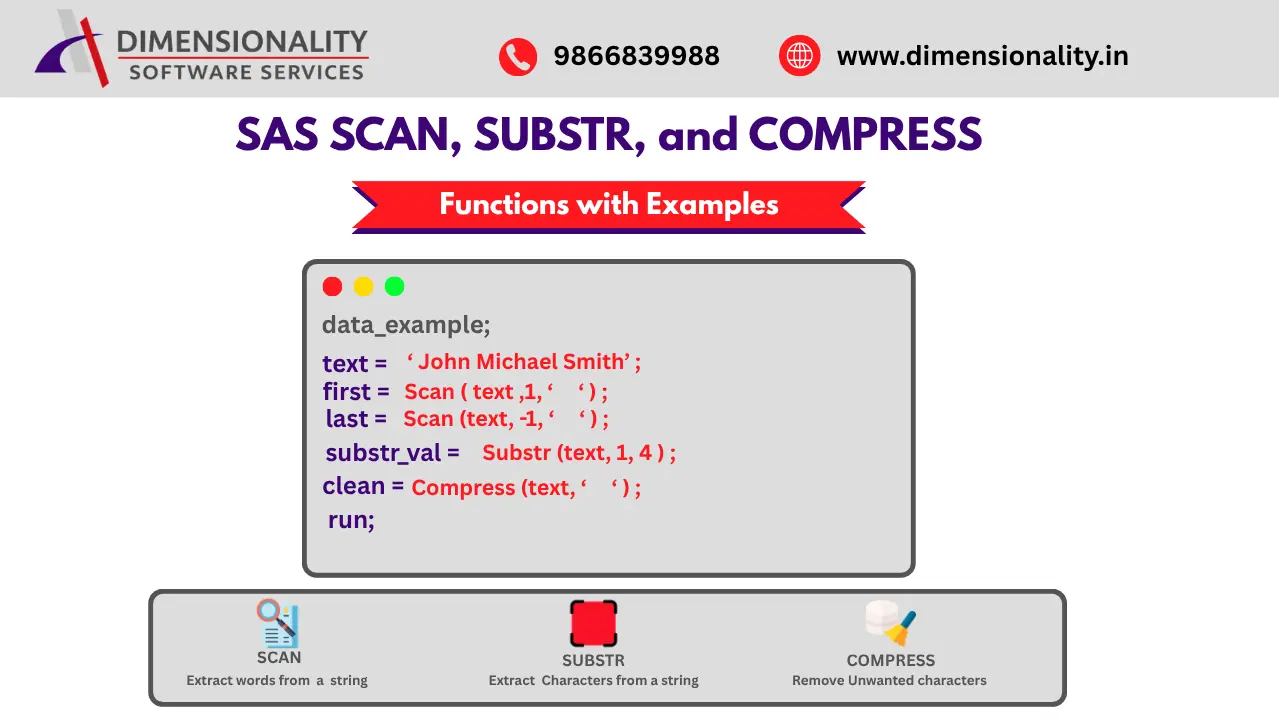
SCAN, SUBSTR, and COMPRESS Functions in SAS with Examples
SCAN, SUBSTR, and COMPRESS Functions in SAS with Examples
Introduction
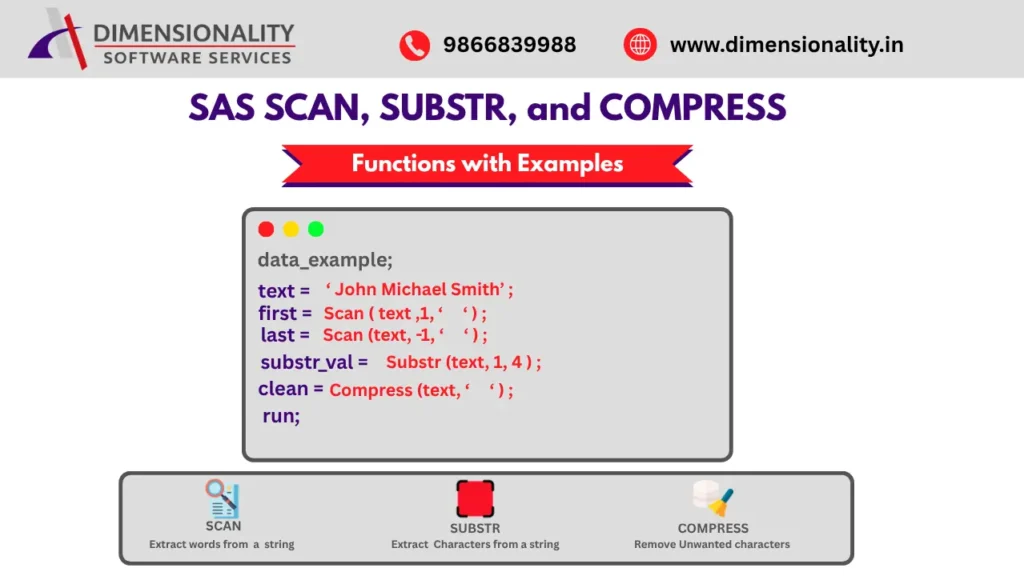
When working with Clinical SAS, programmers frequently need to manipulate text and character variables. SAS provides several powerful character functions that help extract, clean, and transform data efficiently. Students interested in learning these concepts can explore Clinical SAS Training in Hyderabad.
Among the most commonly used character functions are:-
- SCAN Function
- SUBSTR Function
- COMPRESS Function
These functions are widely used in Clinical SAS, Banking, Healthcare, Retail, and Telecom projects for processing patient IDs, visit names, drug information, account numbers, and other text-based data.
In this article, we will explore the SCAN, SUBSTR, and COMPRESS functions in SAS with practical examples. Additional information about SAS programming can be found in SAS Official Documentation.
What is the SCAN Function in SAS?
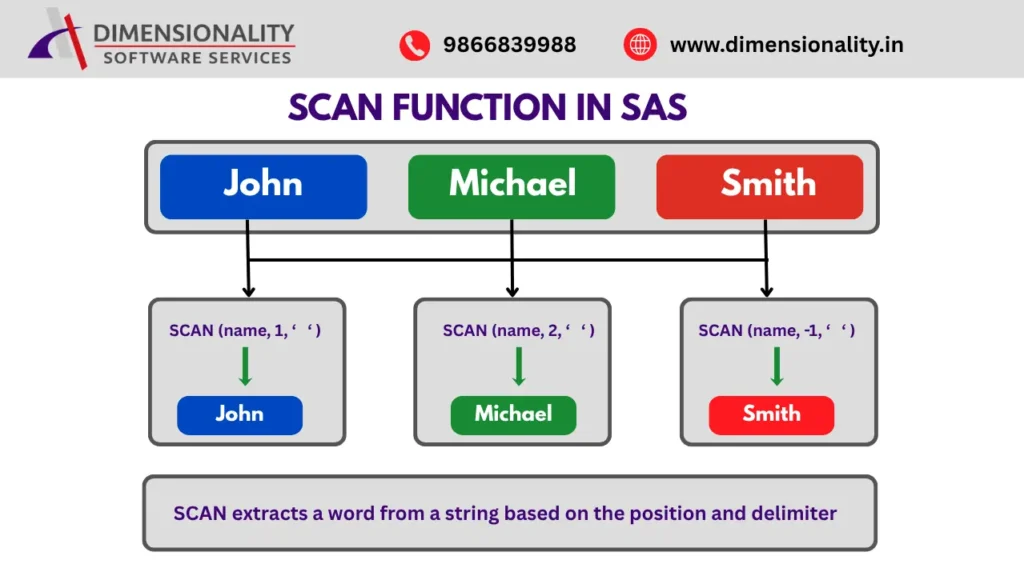
The SCAN function extracts a word from a string based on a specified delimiter.
Students exploring the Best Clinical SAS Training Institutes in Hyderabad often encounter SCAN function questions during interviews because it is widely used in Clinical SAS programming.
Syntax
SCAN(string, word-number, delimiter)
Parameters
- string → Source text
- word-number → Position of the word to extract
- delimiter → Character used to separate values
Example 1: Extract First and Last Name
data example 1;
- name = “John Michael Smith”;
- first_name = scan(name,1,’ ‘);
- middle_name = scan(name,2,’ ‘
- last_name = scan(name,-1,’ ‘);
- run;
Output
| Name | First Name | Middle Name | Last Name |
| John Michael Smith | John | Michael | Smith |
Example 2: Extract Domain from Email
data example 2;
- email = “user123@gmail.com”;
- domain = scan(email,2,’@’);
- run;
Output
gmail.com
Example 3: Clinical SAS Drug Information
data clinical;
- drug = “Paracetamol 500mg Tablet”;
- drug_name = scan(drug,1);
- strength = scan(drug,2);
- run;
Output
| Drug Name | Strength |
| Paracetamol | 500mg |
Clinical trial data standards are commonly used in pharmaceutical research studies registered through ClinicalTrials.gov.
Example 4: Extract Visit Number
data visit ;
- visitname = “VISIT_12_WEEK”;
- visit_no = scan(visitname,2,’_’);
- run;
Output
12
What is the SUBSTR Function in SAS?
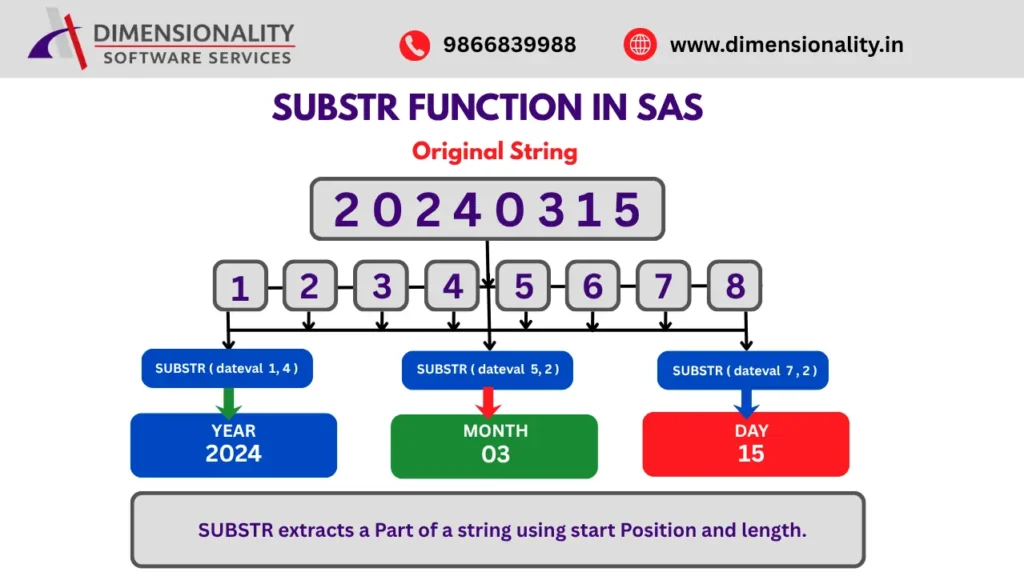
The SUBSTR function extracts a specific portion of a character string.
Syntax
SUBSTR(string,start-position,length)
Parameters
- string → Source text
- start-position → Starting location
- length → Number of characters to extract
Example 5: Extract Year, Month, and Day
data date_ex;
dateval = “20240315”;
- year = substr(dateval,1,4);
- month = substr(dateval,5,2);
- day = substr(dateval,7,2);
- run;
Output
| Year | Month | Day |
| 2024 | 03 | 15 |
Example 6: Extract Country Code
data fixed;
- id = “USA12345”;
- country = substr(id,1,3);
- id_num = substr(id,4);
- run;
Output
| Country | ID Number |
| USA | 12345 |
Example 7: Clinical Trial Timestamp
data time_ex;
- ts = “2024-03-15 14:32:10”;
- year = substr(ts,1,4);
- month = substr(ts,6,2);
- hour = substr(ts,12,2);
- run;
Output
Year = 2024
Month = 03
Hour = 14
Clinical SAS programmers frequently work with industry standards developed by CDISC for data formatting and reporting.
Example 8: Extract Last 4 Digits
data telecom;
- mobile = “+91-98765-43210”;
- last4 = substr(scan(mobile,-1,’-‘),2);
- run;
Output
3210
What is the COMPRESS Function in SAS?
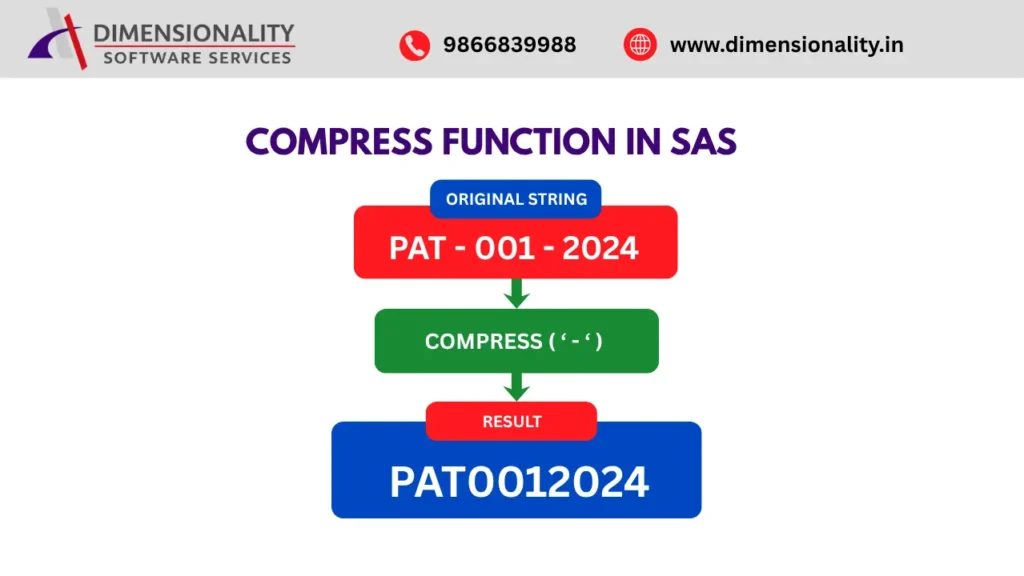
The COMPRESS function removes unwanted characters from a string.
The COMPRESS function removes unwanted characters from a string.
Professionals enrolled in a SAS Course for Pharmacy Life Sciences Students frequently use COMPRESS to clean patient identifiers, drug codes, and laboratory values before analysis.
It is commonly used to remove:-
- Spaces
- Numbers
- Special Characters
- Alphabets
Example 9: Remove Spaces
data ex1;
- name = “Clinical SAS Training”;
- result = compress(name);
- run;
Output
ClinicalSASTraining
Example 10: Remove Hyphens
data ex2;
- phone = “98765-43210”;
- mobile = compress(phone,’-‘);
- run;
Output
9876543210
Example 11: Remove Numbers
data ex3;
- value = “ABC123XYZ”;
- letters = compress(value,’0123456789′);
- run;
Output
ABCXYZ
Example 12: Remove Alphabets
data ex4;
- value = “ABC123XYZ”;
- numbers = compress(value,’ABCDEFGHIJKLMNOPQRSTUVWXYZ’);
- run;
Output
123
Example 13: Clean Patient ID
data patient;
- patient_id = “PAT-001-2024”;
- clean_id = compress(patient_id,’-‘);
- run;
Output
PAT0012024
SCAN and SUBSTR Combined Example
Example 14: Clinical Trial Visit Extraction
data visit;
- visitname = “VISIT_12_WEEK”;
- visit_word = scan(visitname,2,’_’);
- visit_no = substr(visit_word,1);
- run;
Output
12
Example 15: Product Information Parsing
data retail;
product = “SAMSUNG-GALAXY-A53-BLACK”;
- brand = scan(product,1,’-‘);
- model = scan(product,3,’-‘);
- color = scan(product,-1,’-‘);
- run;
Output
- Brand = SAMSUNG
- Model = A53
- Color = BLACK
Conclusion
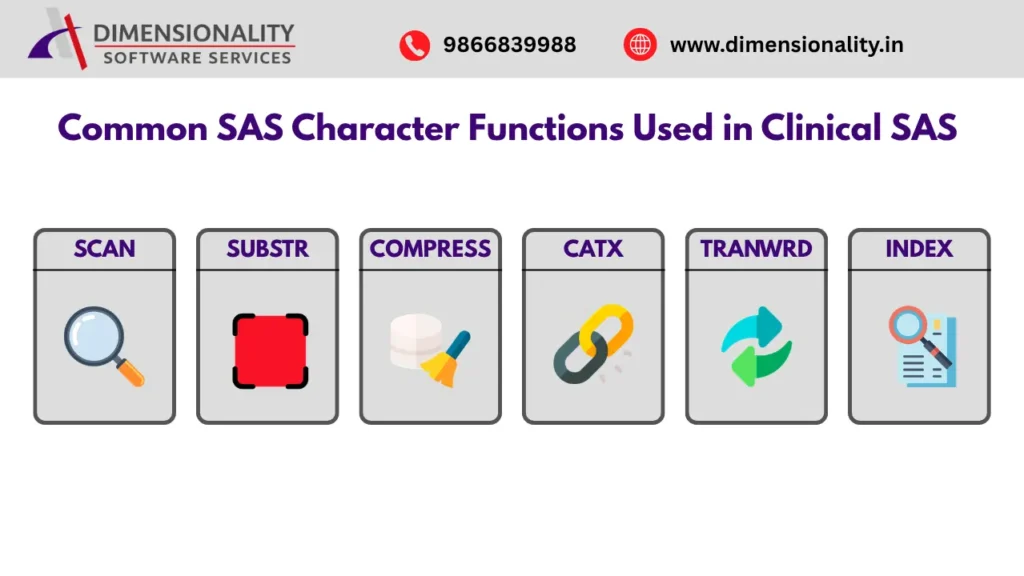
The SCAN, SUBSTR, and COMPRESS functions are essential SAS character functions used for extracting, cleaning, and transforming text data. These functions are widely used in Clinical SAS programming to process patient information, visit names, drug details, timestamps, and clinical trial datasets.
Understanding these functions will help Clinical SAS programmers write efficient code and perform data manipulation tasks more effectively in real-world projects.
Students preparing for Clinical SAS Jobs for Freshers in India should practice these functions regularly because they are commonly used in programming assessments and technical interviews.
Clinical SAS professionals often work on studies submitted to regulatory agencies such as the U.S. Food and Drug Administration (FDA).