SAS Operators Explained with Examples (Complete Beginner Guide)
SAS Operators Explained with Examples (Complete Beginner Guide)
Introduction
When working with SAS programming, SAS Operators are one of the most important concepts every beginner should understand. Whether you’re performing mathematical calculations, comparing values, filtering observations, or creating new variables, SAS operators help make your programs accurate and efficient.
Operators are widely used in the DATA Step, PROC SQL, WHERE statements, IF statements, and many other SAS procedures. A strong understanding of operators allows programmers to write cleaner code, simplify complex conditions, and analyze data more effectively.
New to Clinical SAS? If you’re looking for hands-on learning with real-time projects, explore our Clinical SAS Training in Hyderabad for complete beginner-to-advanced training.
What are SAS Operators?
SAS Operators are symbols or keywords that tell SAS to perform a particular operation on one or more values.
These operations may include:-
- Mathematical calculations
- Comparing two values
- Assigning values to variables
- Testing logical conditions
- Filtering observations
- Pattern matching
Operators make SAS programming easier by reducing lengthy coding and improving readability.
Types of Operators in SAS
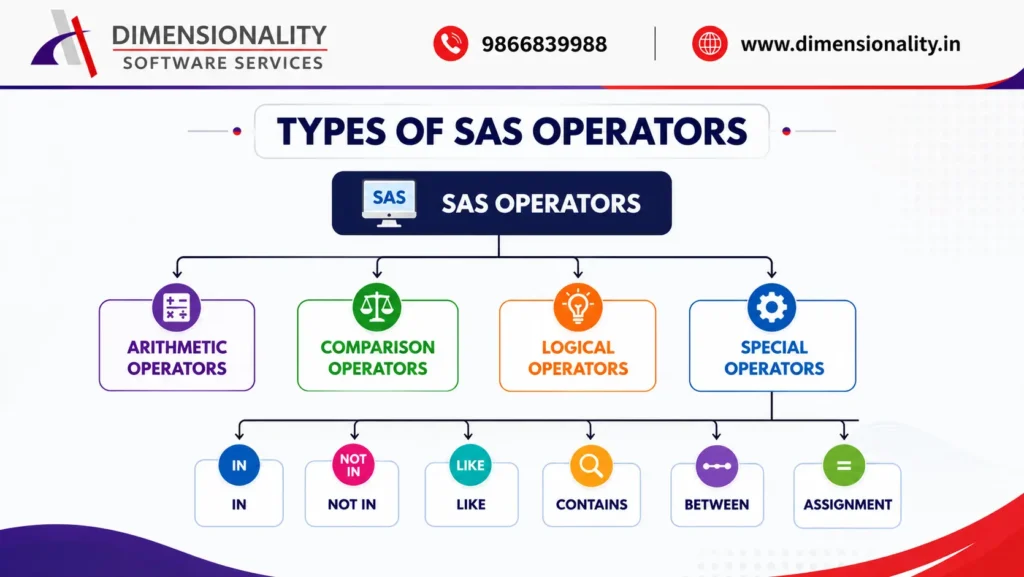
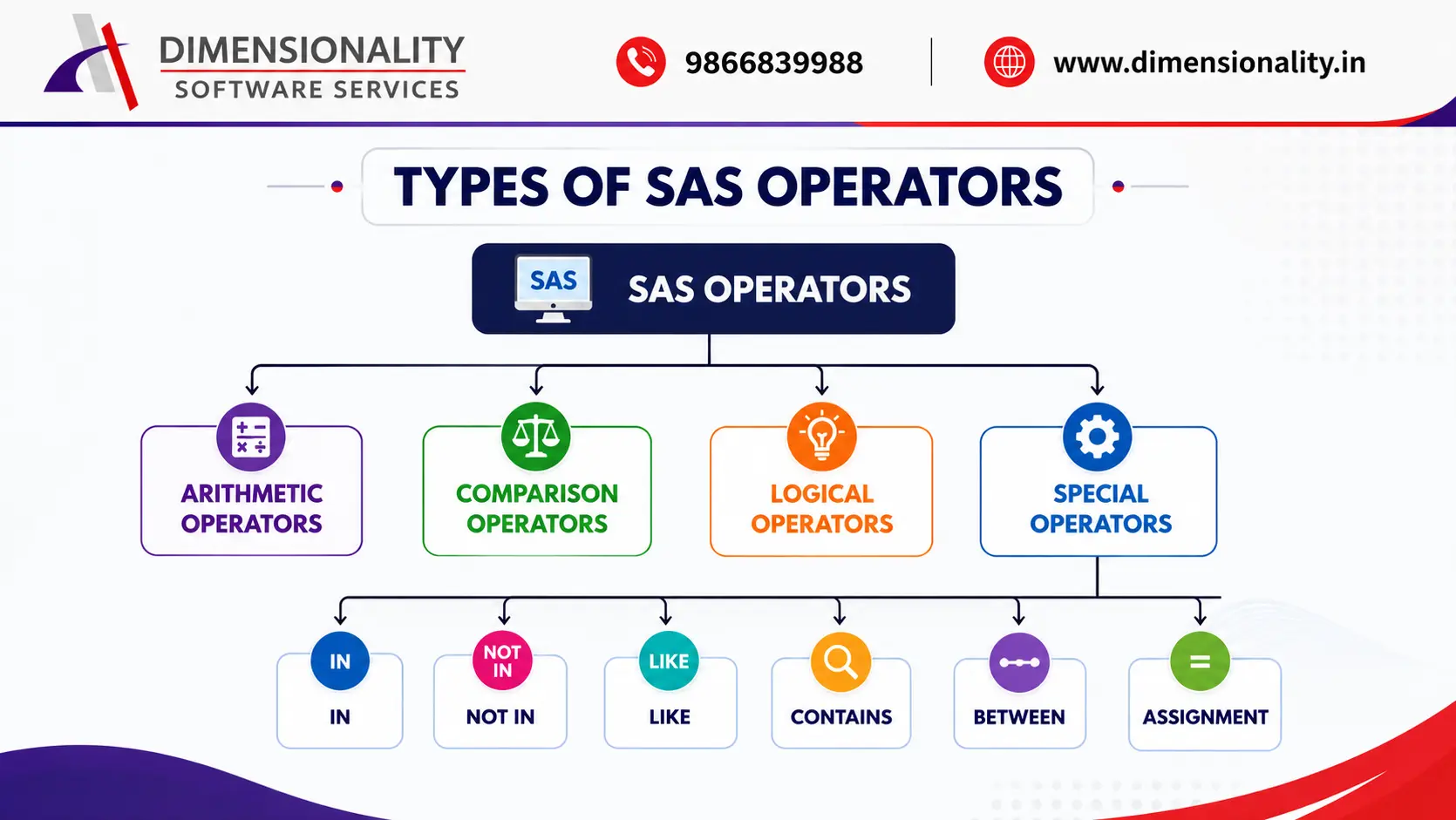
SAS operators are broadly classified into three major categories.
- Arithmetic Operators
- Comparison (Relational) Operators
- Logical Operators
Besides these categories, SAS also provides several special operators such as:-
- IN
- NOT IN
- LIKE
- CONTAINS
- BETWEEN
- Assignment Operator (=)
Arithmetic Operators in SAS
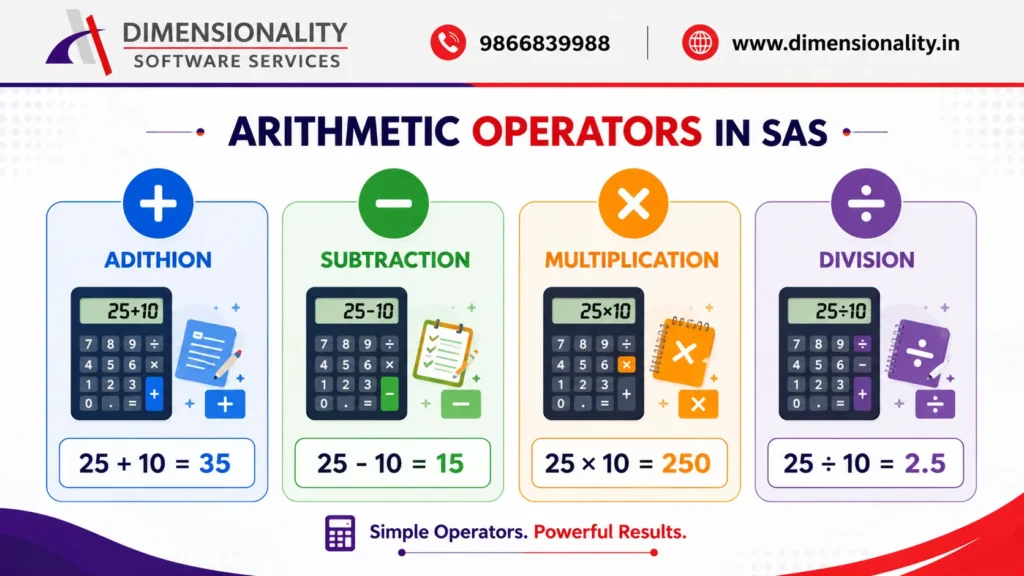
| Operator | Description | Example |
| + | Addition | Salary + Bonus |
| – | Subtraction | Marks – Grace |
| * | Multiplication | Price * Quantity |
| / | Division | Total / Count |
Example:-
- data example;
- a=50;
- b=10;
- addition=a+b;
- subtraction=a-b;
- multiplication=a*b;
- division=a/b;
- run
Output:-
| A | B | Addition | Subtraction | Multiplication | Division |
| 50 | 10 | 60 | 40 | 500 | 5 |
Comparison Operators in SAS
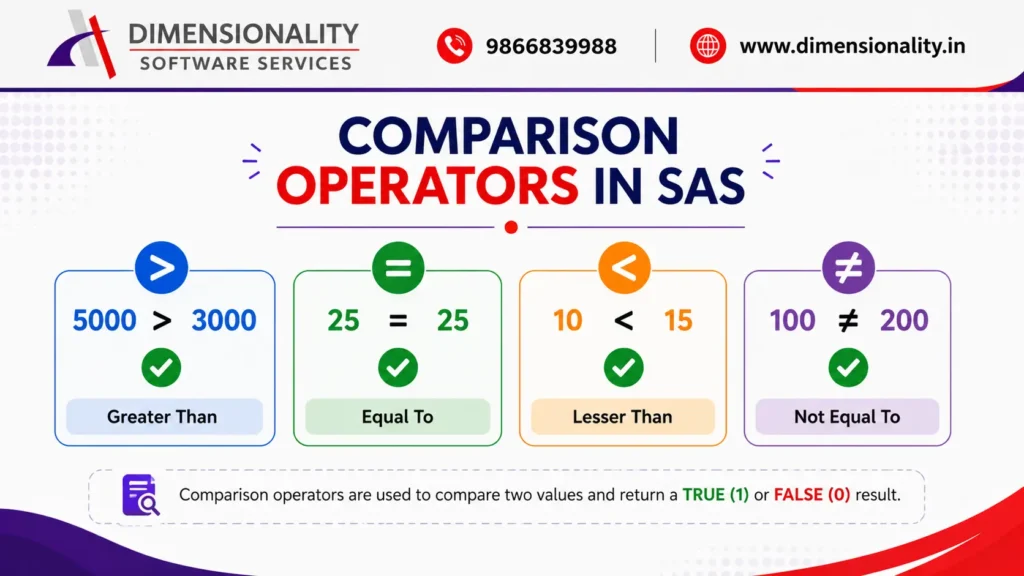
Comparison operators compare two values and return either TRUE (1) or FALSE (0).
They are commonly used in:-
- IF statements
- WHERE clauses
- PROC SQL
- SELECT statements
| Operator | Meaning |
| = or EQ | Equal To |
| ^= or NE | Not Equal To |
| > or GT | Greater Than |
| < or LT | Less Than |
| >= or GE | Greater Than or Equal To |
| <= or LE | Less Than or Equal To |
Example:-
- data example;
- marks=78;
- if marks>=35 then result=”Pass”;
- else result=”Fail”;
- run;
Logical Operators in SAS
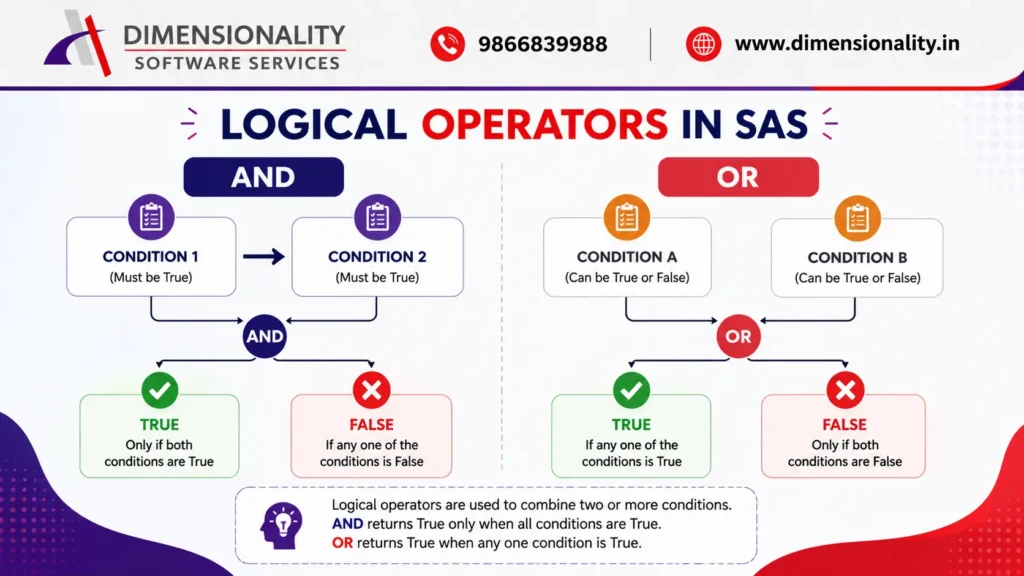
Logical operators combine multiple conditions.
These operators are mainly used inside IF statements and WHERE clauses.
The three logical operators are :-
- AND
- OR
- NOT
IN Operator in SAS
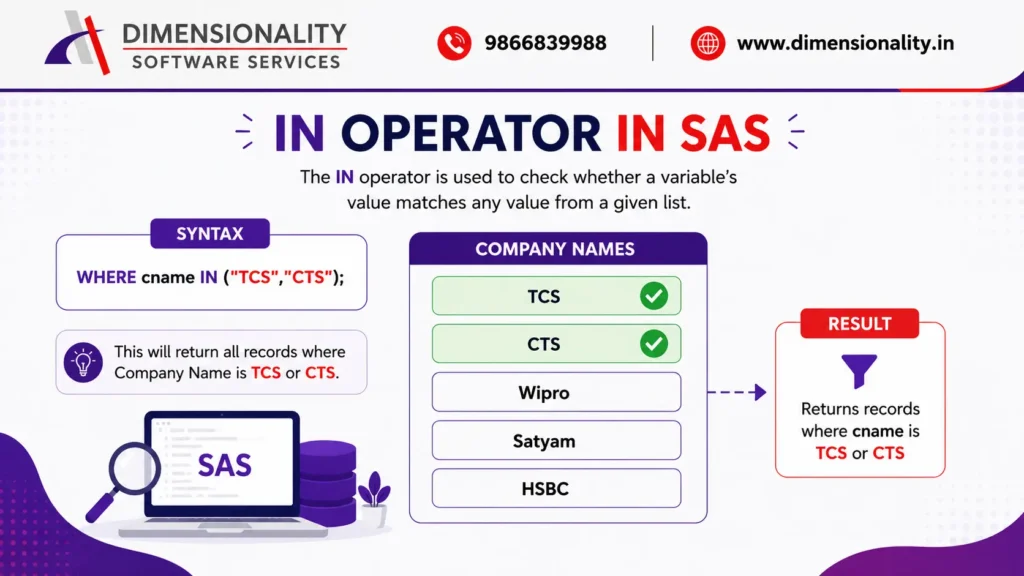
The IN operator checks whether a variable contains one value from a specified list.
Instead of writing multiple OR conditions, the IN operator makes your code shorter and easier to read.
Syntax
where cname in (“Tcs”,”Cts”);
Example
proc print data=investments;
where cname in (“Tcs”,”Cts”);
run;
Output
Displays only records where Company Name is TCS or CTS.
NOT IN Operator in SAS
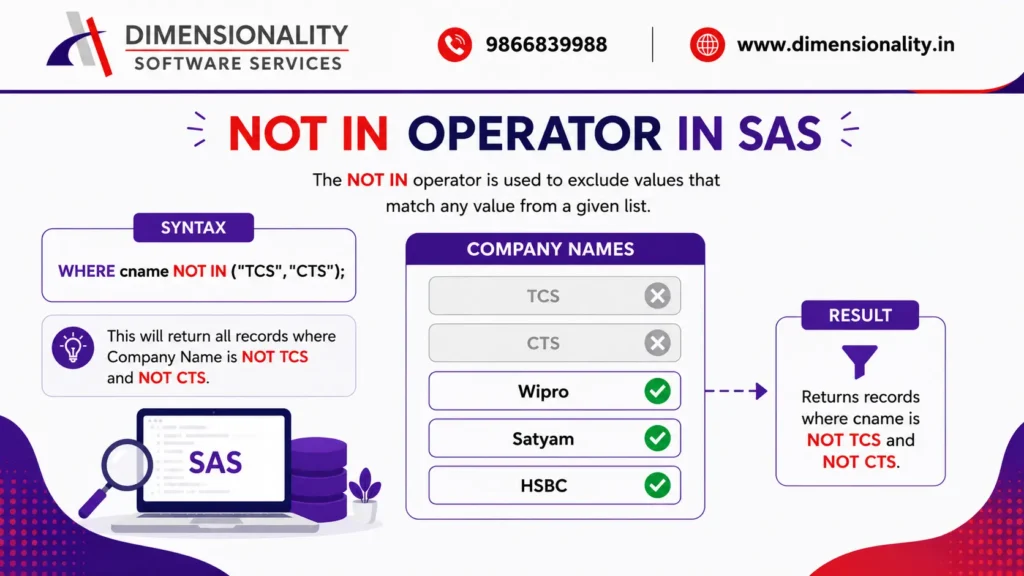
The NOT IN operator works opposite to the IN operator.
It excludes all observations whose values are present in the specified list.
Syntax
where cname not in (“Tcs”,”Cts”);
Example
proc print data=investments;
where cname not in (“Tcs”,”Cts”);
run;
Output
Returns all companies except TCS and CTS.
LIKE Operator in SAS
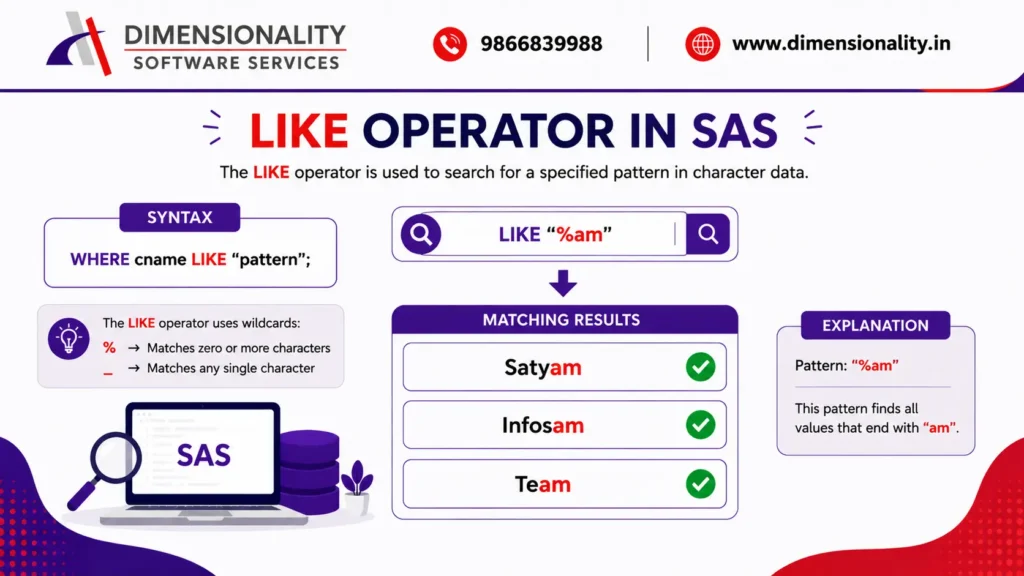
The LIKE operator searches character values based on patterns.
It is mostly used in WHERE clauses and PROC SQL.
Wildcards Used
| Symbol | Meaning |
| % | Any number of characters |
| _ | Exactly one character |
Example
- proc print data=investments;
- where cname like “%am”;
- run;
This returns company names ending with am.
CONTAINS Operator in SAS
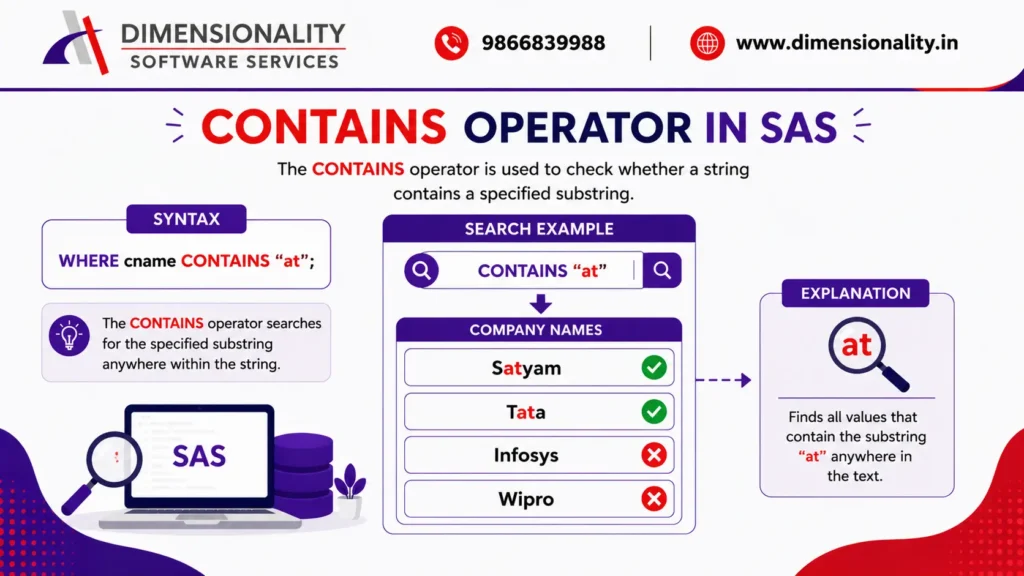
The CONTAINS operator checks whether a character variable contains a specific word or character.
Example
- proc print data=investments;
- where cname contains “at”;
- run;
Output
Displays all company names containing at.
BETWEEN Operator in SAS
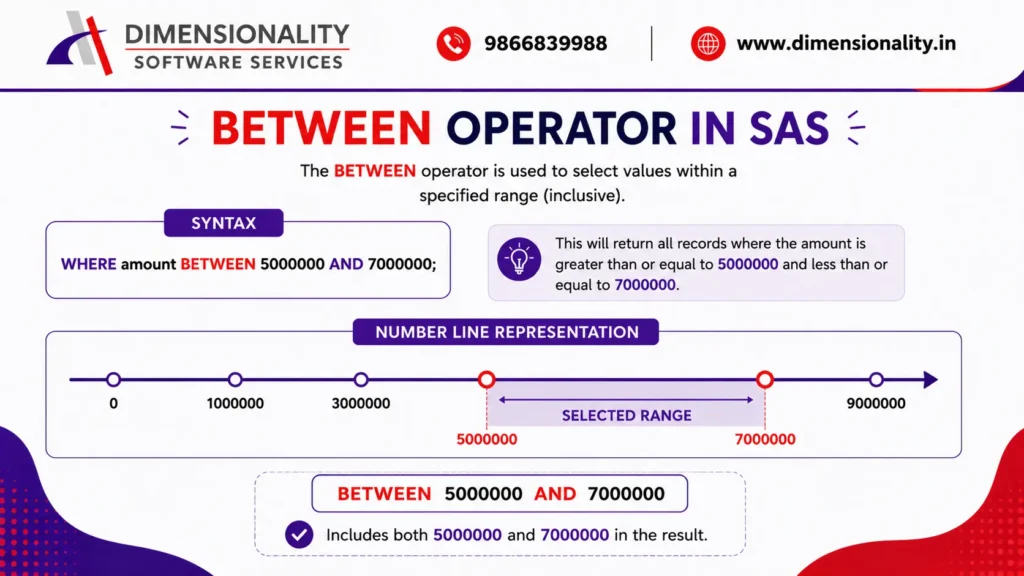
The BETWEEN operator selects observations within a specified range.
The starting and ending values are included.
Example
- proc print data=investments;
- where invest between 5000000 and 7000000;
- run;
Output
Displays investment values between 5,000,000 and 7,000,000.
AND Operator in SAS
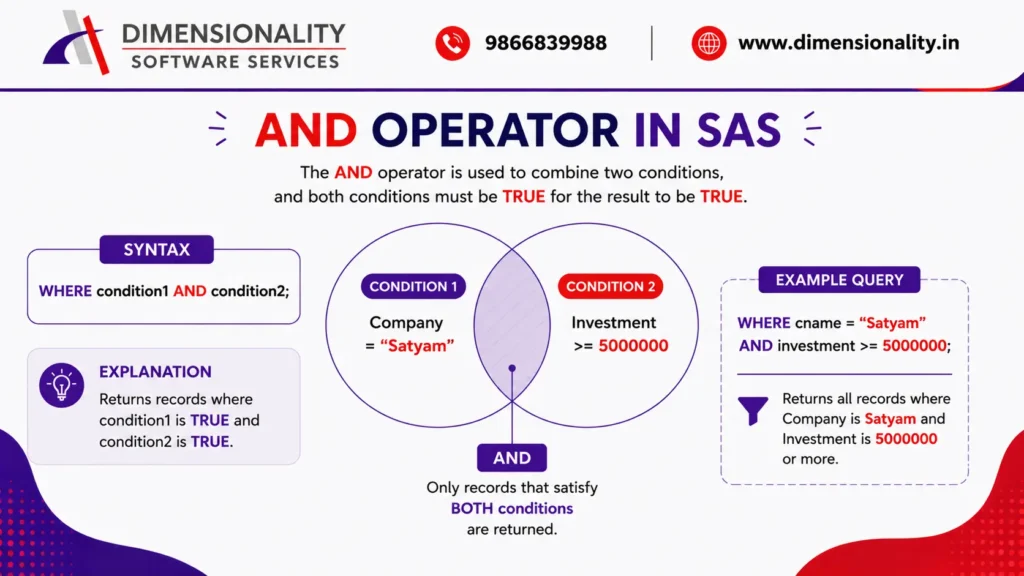
The AND operator returns TRUE only when all specified conditions are true.
Example
- proc print data=investments;
- where cname=”Satyam” and invest>=5000000;
- run;
Output
Displays Satyam records with investments greater than or equal to 5,000,000.
OR Operator in SAS
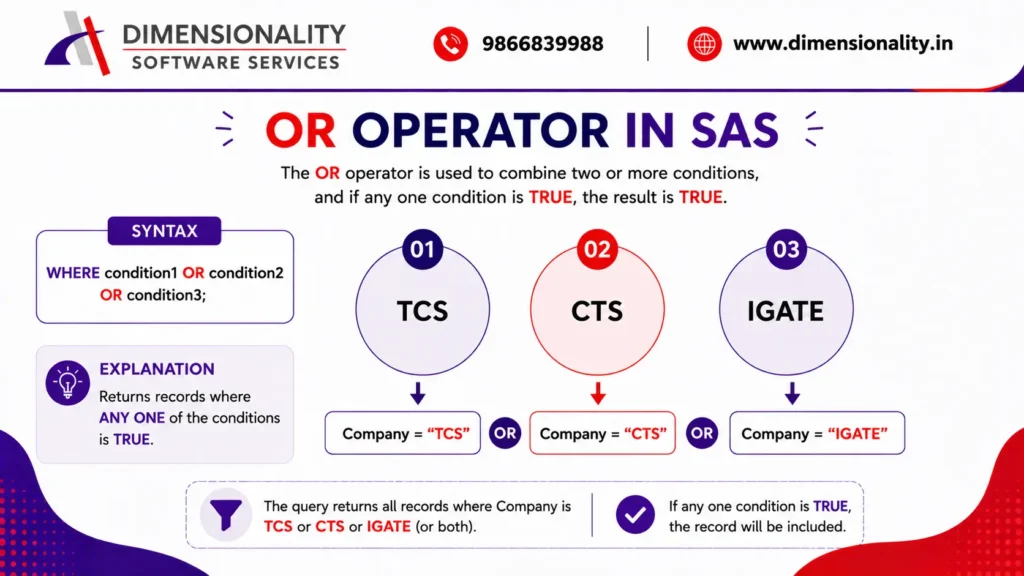
The OR operator returns TRUE if at least one condition is true.
Example
- proc print data=investments;
- where cname=”Tcs”
- or cname=”Cts”
- or cname=”Igate”;
- run;
Assignment Operator (=) in SAS
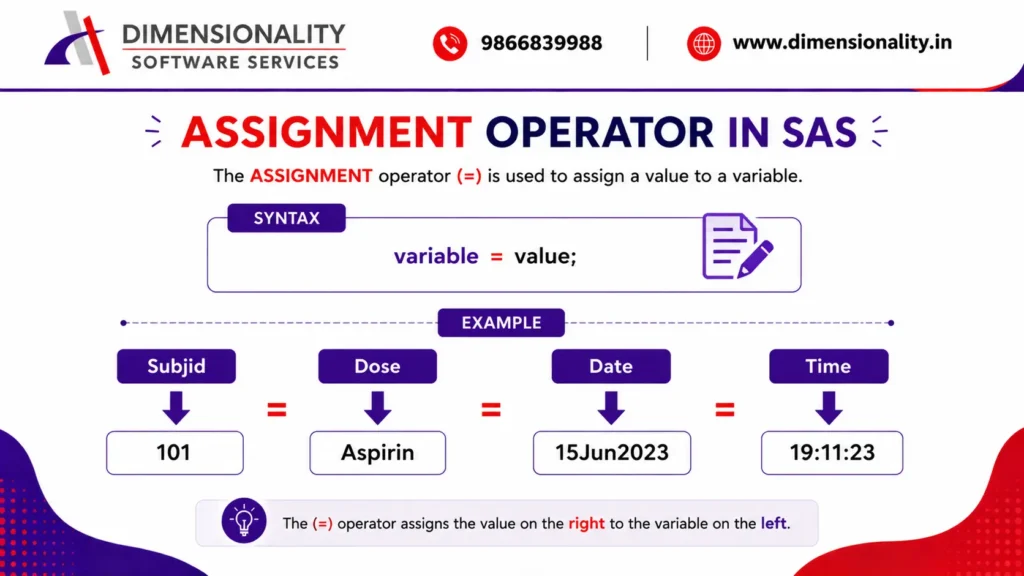
The assignment operator assigns values or expression results to variables.
It is one of the most frequently used operators inside the DATA step.
After learning operators, the next important topic is understanding how SAS processes and manages clinical datasets using the DATA Step.
Example
- data dm;
- Subjid=101;
- Dose=”Aspirin”;
- Rfstdate=”15Jun2023″d;
- Rfstime=”19:11:23″t;
- Rfendtime=”20Oct2024:11:23:45″dt;
- run;
- proc print data=dm;
- format
- Rfstdate date9.
- Rfstime time8.
- Rfendtime datetime20.;
- run;
Complete Example Dataset
You can use the following dataset to practice all SAS operators.
(Insert your Investments dataset here exactly as shown in your training material.)
Why are SAS operators important?
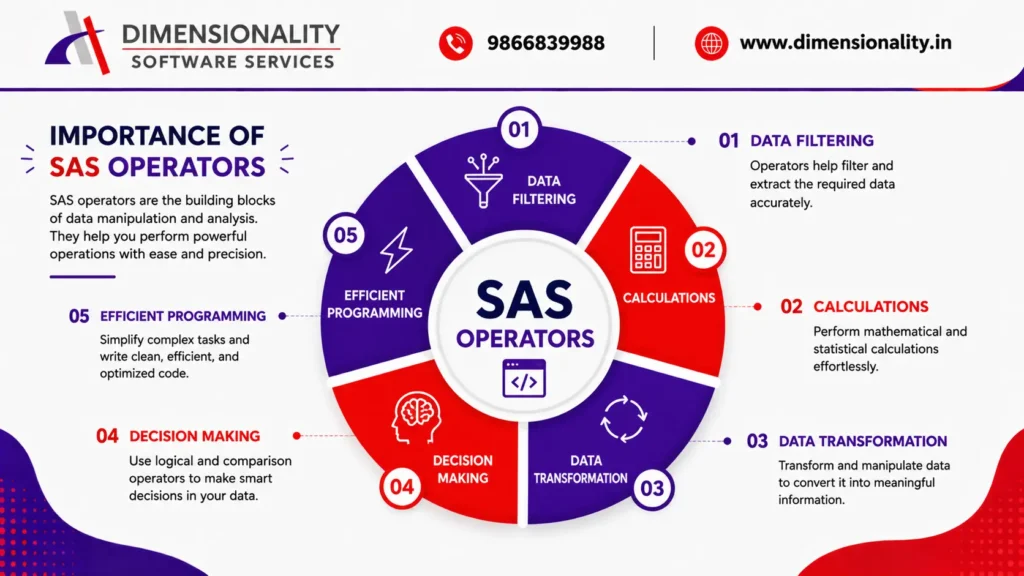
Understanding SAS operators is essential because they are used in almost every SAS program.
Some key advantages include:-
- Perform mathematical calculations easily
- Filter observations using multiple conditions
- Improve decision-making with logical expressions
- Create and modify variables efficiently
- Reduce coding effort
- Improve code readability
- Simplify data transformation
- Essential for Clinical SAS programming
- Frequently asked in SAS interviews
If you’re planning to build a career in the pharmaceutical or healthcare industry, learning SAS operators is one of the first steps toward becoming a Clinical SAS Programmer.
Best Practices While Using SAS Operators
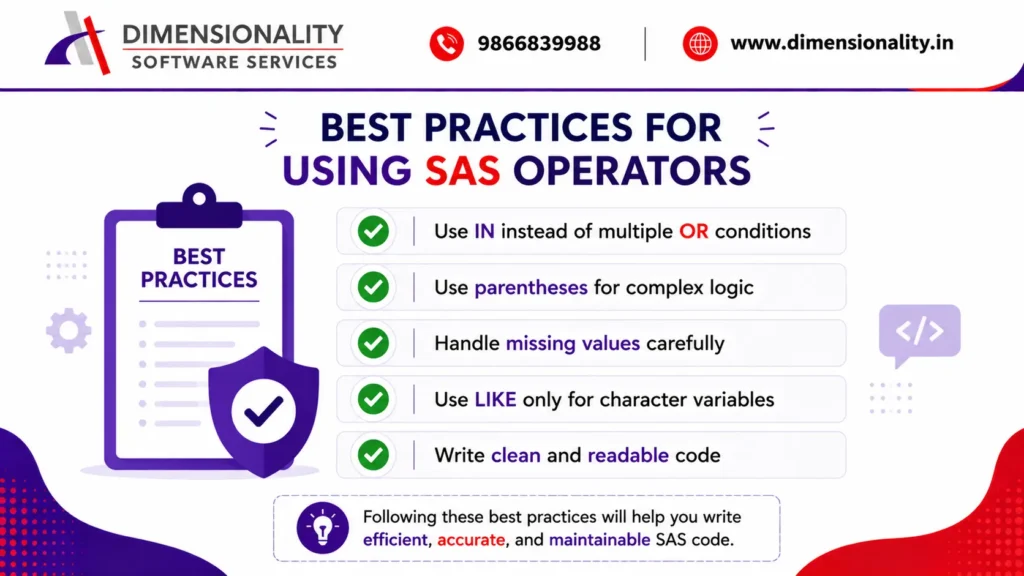
To avoid common mistakes, follow these best practices:-
- Use IN instead of multiple OR conditions whenever possible.
- Always use parentheses when combining AND and OR operators.
- Be careful while using NOT IN with missing values.
- Use LIKE only for character variables.
- Keep comparison operators consistent throughout your program.
- Test complex logical conditions before applying them to large datasets.
Common Mistakes Beginners Make
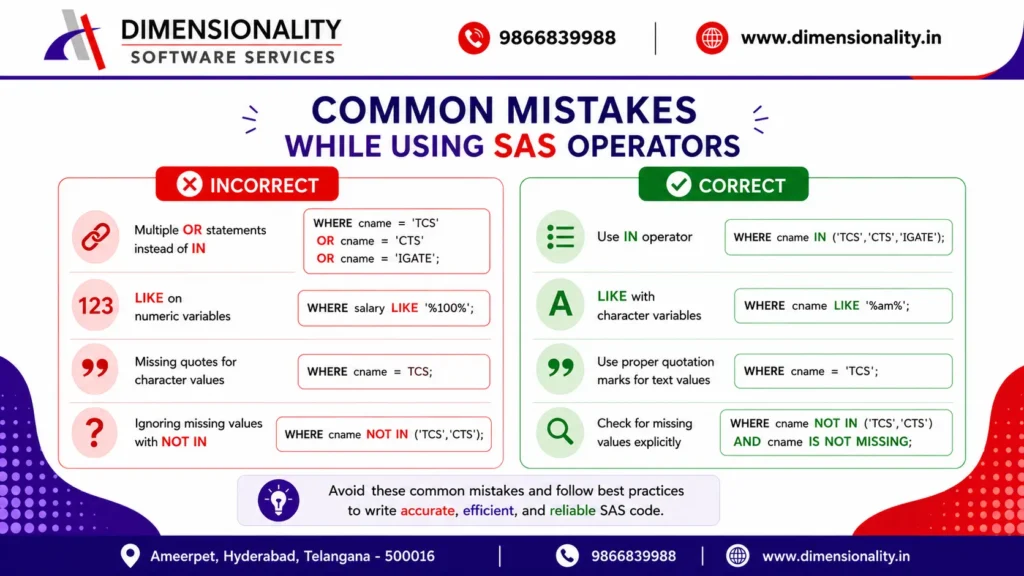
Many beginners make these common errors while learning SAS operators:-
- Using = instead of EQ inside complex expressions without understanding precedence.
- Forgetting quotation marks for character values.
- Confusing AND and OR conditions.
- Using LIKE on numeric variables.
- Ignoring missing values when using NOT IN.
- Writing multiple OR statements instead of using the IN operator.
Avoiding these mistakes will help you write cleaner and more reliable SAS programs.
Frequently Asked Questions (FAQs)
- 1.What are SAS Operators?
- SAS operators are symbols or keywords used to perform calculations, comparisons, logical evaluations, and assignments within SAS programs.
- 2. How many types of operators are available in SAS?
- The three primary categories are:-
- Arithmetic Operators
- Comparison Operators
- Logical Operators
SAS also supports special operators like IN, NOT IN, LIKE, CONTAINS, BETWEEN, and the assignment operator.
- 3.What is the difference between IN and NOT IN?
- The IN operator selects observations that match a specified list of values, whereas the NOT IN operator excludes those matching values. Be cautious when using NOT IN if missing values are present, as they can affect the results.
- 4. What is the difference between AND and OR?
- The AND operator requires all conditions to be true, while the OR operator returns true if at least one condition is satisfied.
- 5. Can the BETWEEN operator be used with dates?
- Yes. The BETWEEN operator works with numeric values, character values, and SAS date values, making it useful for filtering date ranges.
- 6. Where are SAS operators commonly used?
- Operators are frequently used in the DATA Step, IF statements, WHERE clauses, PROC SQL, SELECT statements, and various SAS procedures.
Conclusion
SAS operators are the foundation of effective SAS programming. From performing calculations and comparing values to filtering datasets and making logical decisions, operators are used in nearly every SAS program.
Mastering arithmetic, comparison, logical, and special operators such as IN, LIKE, BETWEEN, and CONTAINS enables you to write cleaner, faster, and more efficient code. Whether you’re a beginner learning SAS or preparing for Clinical SAS interviews, understanding these operators is a crucial step toward becoming a skilled SAS programmer.
If you’re looking to build practical Clinical SAS skills with real-world examples and placement assistance, you can also explore our detailed learning resources below.
External Resources
For a deeper understanding of SAS operators and their syntax, you can also refer to the official SAS documentation:-