
Numeric Functions in SAS with Examples
Numeric Functions in SAS with Examples
Introduction
Numeric Functions in SAS are predefined functions used to perform mathematical and arithmetic operations on numeric values. These functions help programmers calculate totals, averages, minimum and maximum values, rounding operations, and advanced mathematical calculations. Numeric functions are commonly used in data cleaning, data transformation, statistical analysis, and reporting.
If you are learning Clinical SAS, mastering numeric functions is essential because these functions are frequently used in real-world pharmaceutical and clinical trial projects. If you’re new to SAS, you can start with our Clinical SAS Training in Hyderabad to build a strong foundation in SAS programming.

Why Numeric Functions are Important in SAS
Numeric functions simplify calculations and improve the efficiency of SAS programs. They are widely used in:
- Clinical Trial Data Analysis
- Healthcare Reporting
- Financial Analytics
- Business Intelligence
- Data Transformation
- Statistical Modeling
Professionals working in clinical research often use these functions extensively. If you are exploring training options, check out our guide on Clinical SAS Training Institutes in Hyderabad
SUM Function in SAS
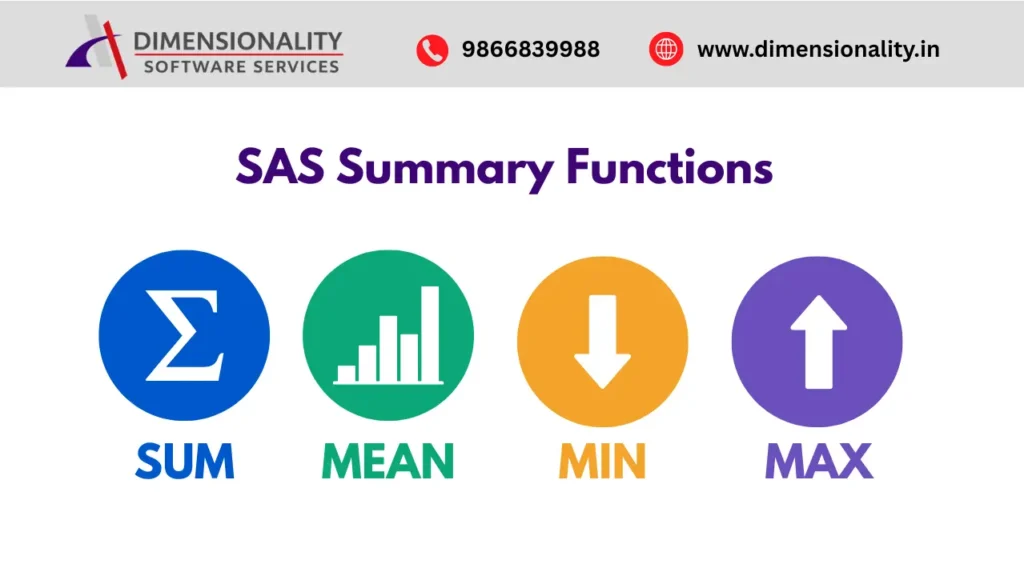
The SUM Function is used to add two or more numeric values and return the total. One of its biggest advantages is that it ignores missing values during calculation.
Syntax
SUM(numeric-expression1, numeric-expression2, …)
Example
Total = Sum(M1,M2,M3,M4,M5,M6);
Use Cases
- Monthly Sales Totals
- Clinical Laboratory Results
- Financial Reports
For more details about SAS Functions, refer to the official SAS documentation:
MEAN Function in SAS
The MEAN Function calculates the arithmetic average of a group of numeric values. Missing values are automatically excluded.
Syntax
MEAN(numeric-expression1, numeric-expression2, …)
Example
Average = Mean(M1,M2,M3,M4,M5,M6);
Benefits
- Accurate average calculations
- Missing value handling
- Frequently used in clinical reporting
MAX Function in SAS
The MAX Function returns the largest value from a list of numeric values.
Syntax
MAX(numeric-expression1, numeric-expression2, …)
Example
Maximum = Max(M1,M2,M3,M4,M5,M6);
Uses
- Highest Sales Value
- Maximum Clinical Readings
- Peak Performance Analysis
SAS Example Using SUM, MEAN, MIN and MAX Functions
Data Salesdata;
Input Prdcode $ M1-M6;
Cards
| P | 101 | 230 | 340 | 345 | 210 | 560 | 230 |
| P | 102 | 240 | 340 | 230 | 340 | 230 | 210 |
| P | 103 | 210 | 210 | 250 | 210 | 210 | 220 |
| P | 104 | 230 | 340 | 210 | 240 | 240 | 250 |
;
Run ;
Data Demo;
Set Salesdata;
- Total=Sum(M1,M2,M3,M4,M5,M6);
- Average=Mean(M1,M2,M3,M4,M5,M6);
- Minimum=Min(M1,M2,M3,M4,M5,M6);
- Maximum=Max(M1,M2,M3,M4,M5,M6);
Run ;
Proc Print Data=Demo;
Run;
ROUND Function in SAS
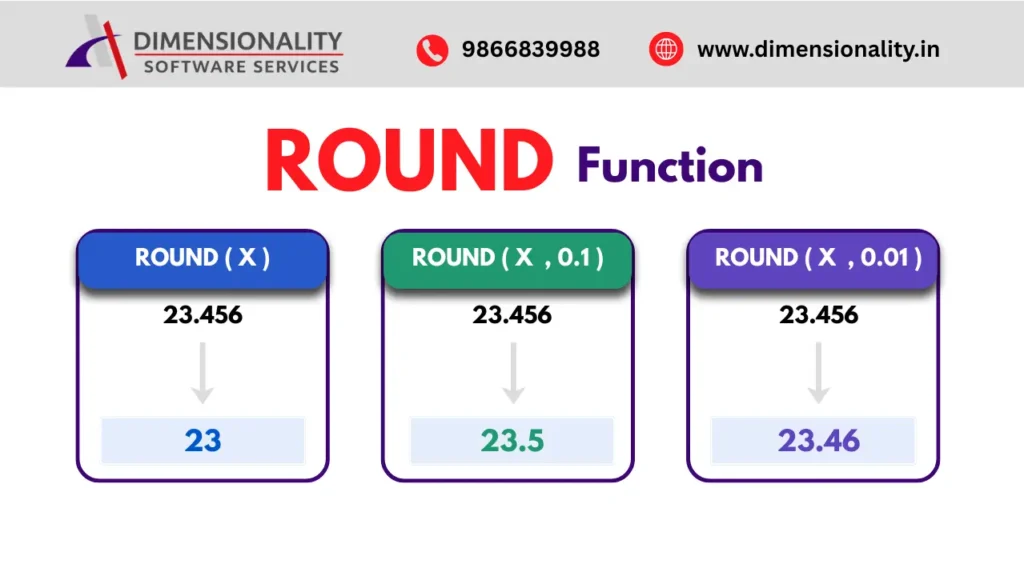
The ROUND Function rounds a numeric value to the nearest specified unit.
Syntax
ROUND(number <, round-off-unit>)
Example
- R=Round(X);
- R1=Round(X,0.1);
- R2=Round(X,0.01);
Applications
- Financial Calculations
- Decimal Precision Management
- Clinical Data Standardization
To understand SAS mathematical functions in greater detail, refer to:
https://support.sas.com
INT Function in SAS
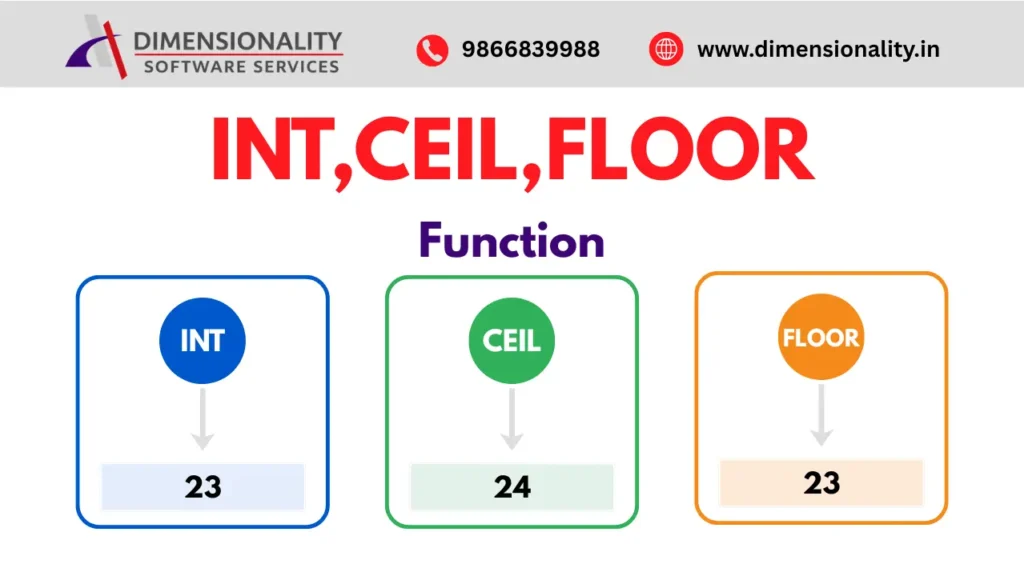
The INT Function returns only the integer portion of a number.
Syntax
INT(number)
Example
I=Int(X);
CEIL Function in SAS
The CEIL Function rounds a value upward to the next highest integer.
Syntax
CEIL(number)
Example
C=Ceil(X);
FLOOR Function in SAS
The FLOOR Function rounds a value downward to the nearest lower integer.
Syntax
FLOOR(number)
Example
F=Floor(X);
These functions are commonly asked during SAS interviews. If you are preparing for a SAS career, read our article on Clinical SAS Certification: Worth It
ABS Function in SAS
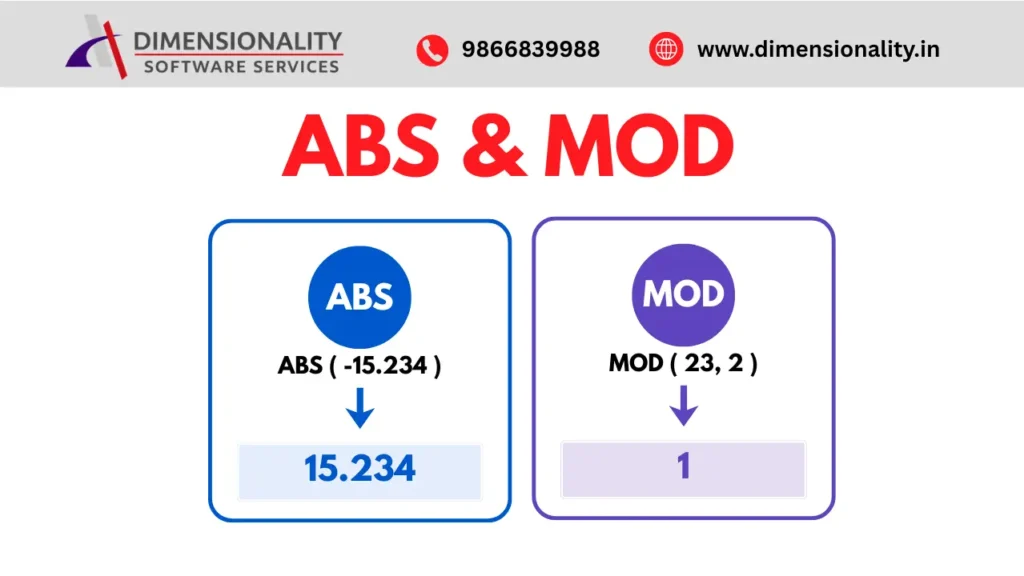
The ABS Function returns the absolute value of a number.
Syntax
ABS(number)
Example
A=Abs(X);
ABS(-15.234) = 15.234
Example Output
MOD Function in SAS
The MOD Function returns the remainder after division.
Syntax
MOD(dividend, divisor)
Example
M=Mod(X,2);
Applications
- Odd and Even Number Identification
- Grouping Logic
- Cyclic Operations
SQRT Function in SAS
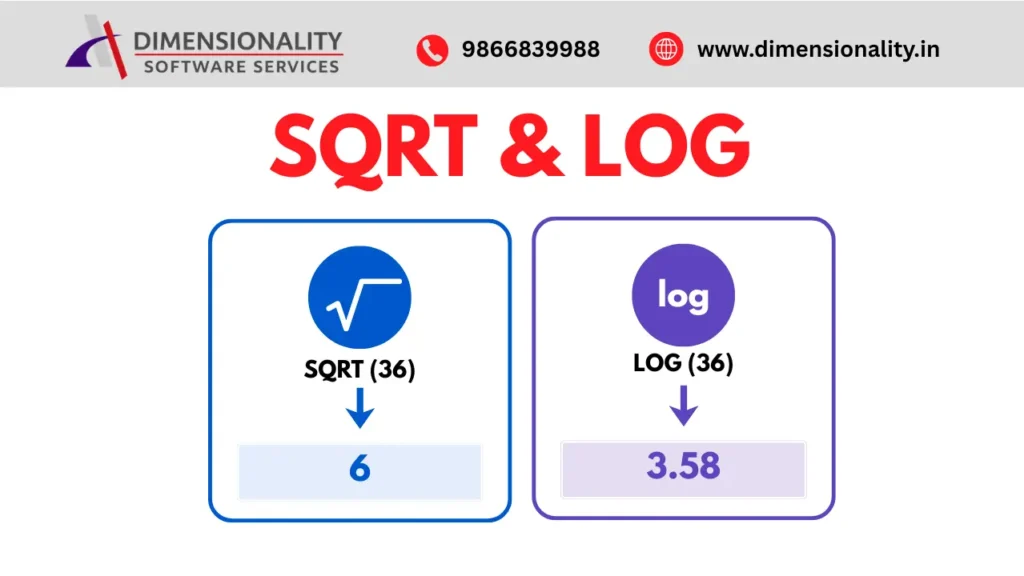
The SQRT Function calculates the square root of a numeric value.
Syntax
SQRT(number)
Example
S=Sqrt(X);
LOG Function in SAS
The LOG Function returns the natural logarithm (base e) of a number.
Syntax
LOG(number)
Example
L=Log(X);
Applications
- Statistical Analysis
- Machine Learning
- Predictive Modeling
- Clinical Data Analysis
Complete SAS Program Example
- Data Test;
- Input X;
- Cards;
- 23.456
- 12.324
- 88.675
- -15.234
- 36.000
- 34.343
- ;
- Run;
- Data Demo;
- Set Test;
- R=Round(X);
- R1=Round(X,0.1);
- R2=Round(X,0.01);
- I=Int(X);
- C=Ceil(X);
- F=Floor(X);
- A=Abs(X);
- M=Mod(X,2);
- S=Sqrt(X);
- L=Log(X);
Run;
Proc Print Data=Demo;
Run;
Career Opportunities After Learning SAS Functions
Understanding numeric functions is an important step toward becoming a successful SAS programmer. These functions are frequently used in Clinical SAS projects, SDTM datasets, ADaM datasets, and reporting activities.
If you are looking for career opportunities after learning SAS, read our article on Clinical SAS Jobs for Freshers in India.
Conclusion
Numeric Functions in SAS play a crucial role in data manipulation, transformation, and analysis. Functions such as SUM, MEAN, MIN, MAX, ROUND, INT, CEIL, FLOOR, ABS, MOD, SQRT, and LOG help programmers perform calculations efficiently and accurately. By mastering these functions, SAS professionals can write cleaner code, improve productivity, and handle real-world data analysis tasks with confidence.
Whether you are a beginner or an experienced programmer, understanding Numeric Functions in SAS is an essential step toward building a successful career in Clinical SAS and data analytics.