Conditional Statements in SAS with Examples | Complete Clinical SAS Guide
Conditional Statements in SAS with Examples
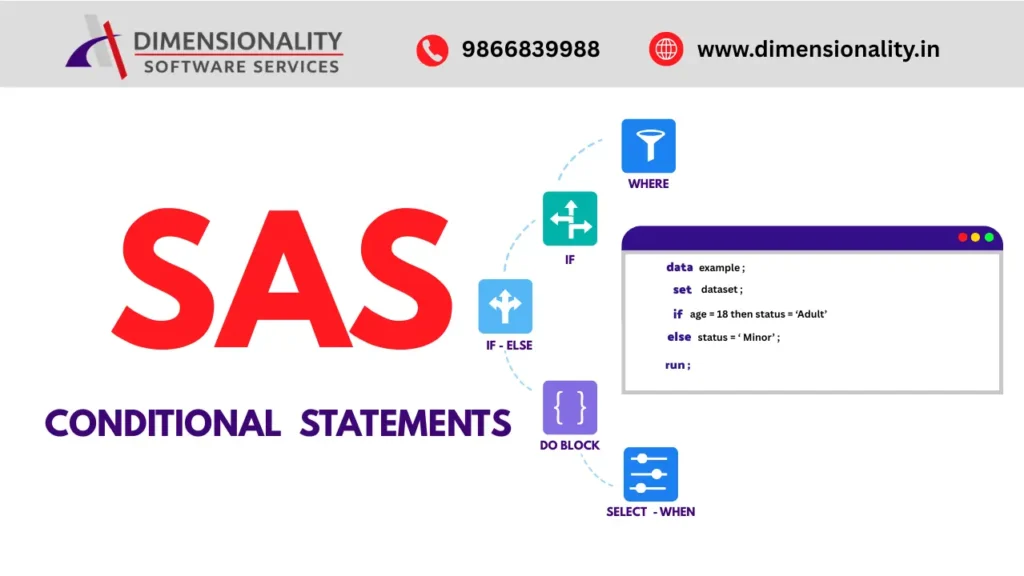
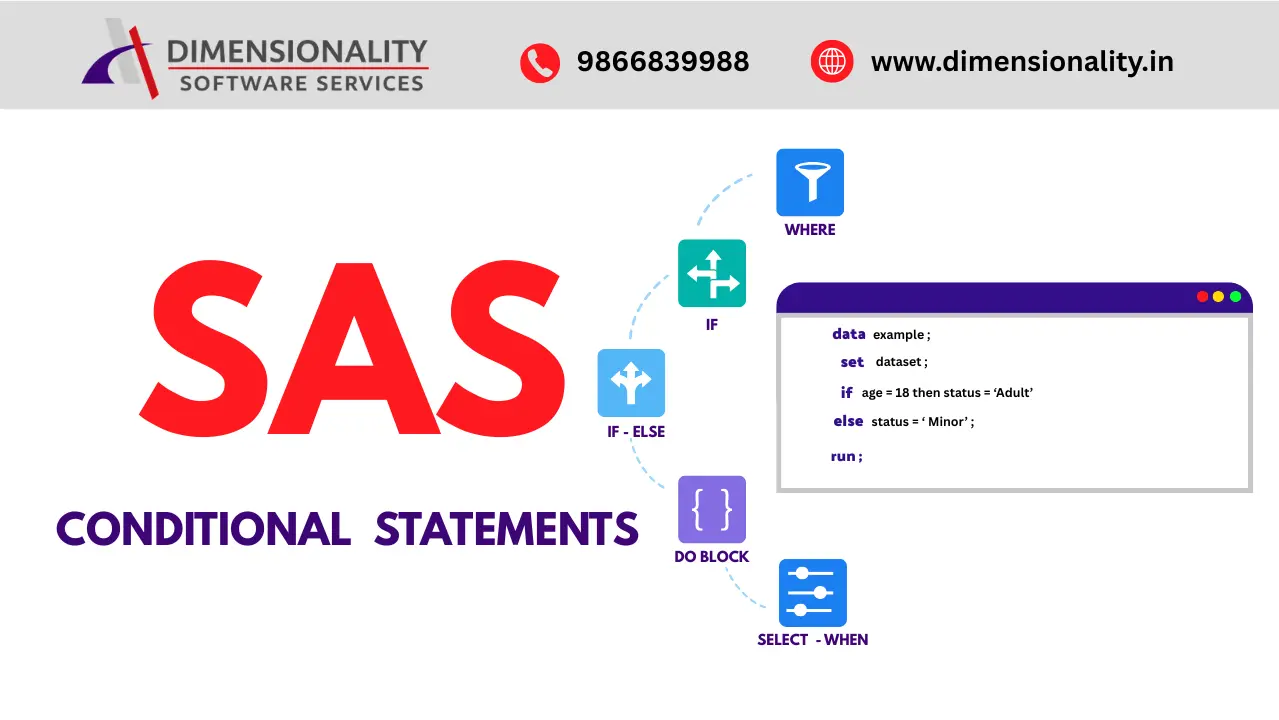
Conditional statements are one of the most important concepts in SAS programming. They allow SAS to make decisions based on logical conditions and are widely used in Clinical SAS for data validation, filtering records, deriving variables, assigning treatment groups, and preparing Conditional statements are one of the most important concepts in SAS programming. They allow SAS to make decisions based on logical conditions and are widely used in Clinical SAS for data validation, filtering records, deriving variables, assigning treatment groups, and preparing SDTM and ADaM datasets. Throughout this tutorial you will learn WHERE, IF, IF-ELSE, DO Block and SELECT-WHEN statements with practical examples.and ADaM datasets. Throughout this tutorial you will learn WHERE, IF, IF-ELSE, DO Block and SELECT-WHEN statements with practical examples.
Whether you are a beginner learning SAS Programming or an experienced Clinical SAS programmer, understanding conditional statements is essential because they improve data processing accuracy and make programs more efficient.
In this tutorial, you will learn the different types of conditional statements in SAS, including the WHERE Statement, IF Statement, IF-THEN-ELSE Statement, DO Block, and SELECT-WHEN Statement, along with practical examples and real-world Clinical SAS applications.
What are Conditional Statements in SAS?

Conditional statements are decision-making statements that allow SAS to execute different blocks of code based on a logical condition. Instead of executing every statement in a program, SAS first evaluates the specified condition. If the condition is true, one set of statements is executed; otherwise, another set of statements is executed.
If you are looking to build a career in Clinical SAS, read our: Clinical SAS Training in Hyderabad
Learn more about SAS from the official SAS website: https://www.sas.com/
For example, suppose a hospital wants to identify patients who are 18 years or older. SAS can evaluate the patient’s age and assign them to the “Adult” category, while patients below 18 years can be assigned to the “Child” category. This type of decision-making is possible using conditional statements.
Conditional statements make SAS programs more flexible, dynamic, and efficient by allowing programmers to process data according to different business or clinical requirements.
Why are conditional statements important in SAS?
Conditional statements are used in almost every SAS program because they help automate decision-making during data processing.
Some important advantages include the following:
- Filter observations based on specific conditions.
- Create new variables using logical expressions.
- Validate data before analysis.
- Handle missing or incorrect values.
- Improve program readability and efficiency.
- Support Clinical SAS standards such as SDTM and ADaM
- Reduce manual data processing
Without conditional statements, programmers would need to manually separate and process data, which would be time-consuming and prone to errors.
Types of Conditional Statements in SAS
SAS provides several conditional statements for different purposes.
| Statement | Purpose |
| WHERE Statement | Filters observations before they are processed |
| IF Statement | Executes statements when a condition is true |
| IF-THEN-ELSE Statement | Performs different actions for true and false conditions |
| DO Block | Executes multiple statements together |
| SELECT-WHEN Statement | Handles multiple conditions more efficiently |
Each statement serves a different purpose, and choosing the appropriate one depends on your programming requirements.
WHERE Statement in SAS
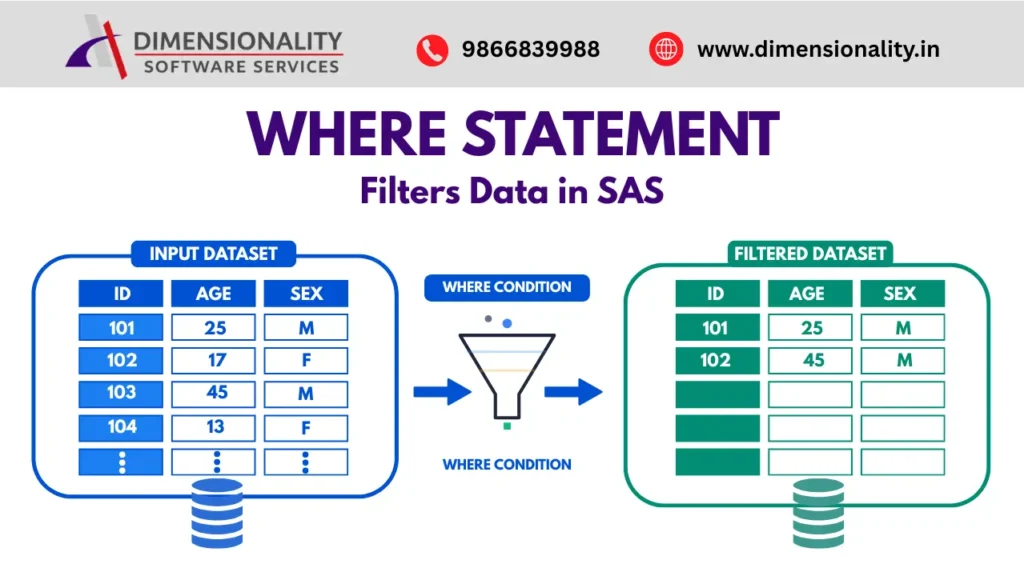
The WHERE Statement is used to filter observations from an existing SAS dataset based on a specified condition. Instead of reading every observation, SAS reads only those records that satisfy the condition.
Because unwanted observations are excluded before processing, the WHERE statement is generally faster and more efficient than filtering records after they are read.
The WHERE statement can be used in both DATA Steps and PROC Steps.
Syntax
- PROC PRINT DATA=dataset_name;
- WHERE condition;
- RUN;
Example
- data investments;
- input Cname $ Area : $12. Invest Share;
- cards;
- Satyam Vizag 2000000 567
- Tcs Hyderabad 5000000 456
- Cts Hyderabad 6000000 345
- Tcs Madras 5000000 678
- Wipro Hyderabad 7000000 789
- Wipro Bangalore 6700000 456
- Satyam Bangalore 6500000 567
- Tcs Bangalore 4500000 678
- Satyam Pune 6700000 453
- ;
- run;
- proc print data=investments;
- where Invest >= 5000000;
- run;
Output
| Obs | Company | Area | Invest | Share |
| 1 | Tcs | Hyderabad | 5000000 | 456 |
| 2 | Cts | Hyderabad | 6000000 | 345 |
| 3 | Tcs | Madras | 5000000 | 678 |
| 4 | Wipro | Hyderabad | 7000000 | 789 |
| 5 | Wipro | Bangalore | 6700000 | 456 |
| 6 | Satyam | Bangalore | 6500000 | 567 |
| 7 | Satyam | Pune | 6700000 | 453 |
Explanation
In the above example, SAS checks the value of the Invest variable for every observation. Only records where the investment amount is greater than or equal to 5,000,000 are selected. All remaining observations are ignored.
This makes the WHERE statement an excellent choice when you only need a subset of data for reporting or analysis.
Clinical SAS Example
Suppose a clinical trial contains data for thousands of patients, but the analysis is required only for participants who belong to the Treatment group.
- proc print data=clinical;
- where Treatment=’Drug A’;
- run;
This statement prints only the patients who received Drug A, making the analysis faster and more focused.
Advantages of the WHERE Statement
- Reads only the required observations.
- Improves program performance.
- Reduces processing time.
- Easy to understand and implement.
- Can be used in both DATA and PROC steps.
- Ideal for filtering large datasets.
Best Practices
- Use the WHERE statement when you only need to filter existing observations.
- Ensure the variable used in the condition already exists in the dataset.
- Use meaningful conditions to avoid excluding important data.
- Test the filtered output before proceeding with further analysis.
Key Takeaways
- The WHERE statement filters observations before SAS processes them.
- It improves efficiency by reading only the required records.
- It is commonly used in reporting, data validation, and Clinical SAS analysis.
- WHERE is one of the most frequently used conditional statements in SAS programming.
IF Statement Logic Explained
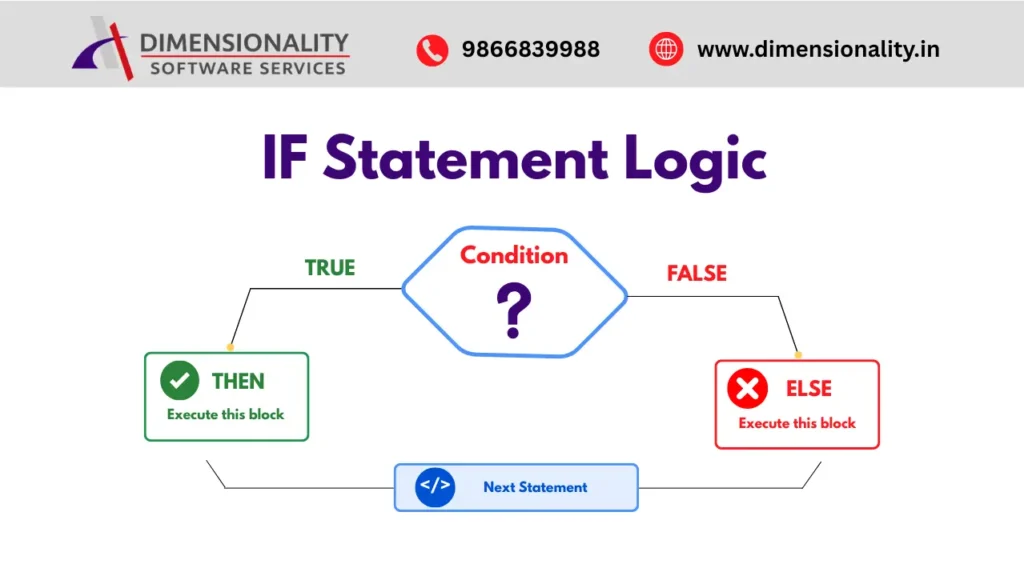
The IF Statement in SAS follows a simple decision-making process. First, SAS evaluates the specified condition. If the condition is TRUE, it executes the statements written after the THEN keyword. If the condition is FALSE, SAS executes the statements written after the ELSE keyword (if an ELSE statement is provided). After executing the appropriate block, SAS continues with the next statement in the program.
This logical flow allows SAS programmers to perform different actions based on different conditions, making programs more flexible and efficient.
IF Statement Workflow
- Check the specified condition.
- If the condition is TRUE, execute the THEN block.
- If the condition is FALSE, execute the ELSE block.
- Continue with the next statement in the program.
Example
- data profits;
- set investments;
- if Share >= 500 then
- Profit = Invest * 0.5;
- else
- Profit = Invest * 0.2;
- run;
How the Above Logic Works
- If Share ≥ 500, SAS calculates the profit as 50% of the investment.
- If Share < 500, SAS calculates the profit as 20% of the investment.
- The calculated value is stored in the Profit variable.
IF-ELSE vs SELECT-WHEN in SAS
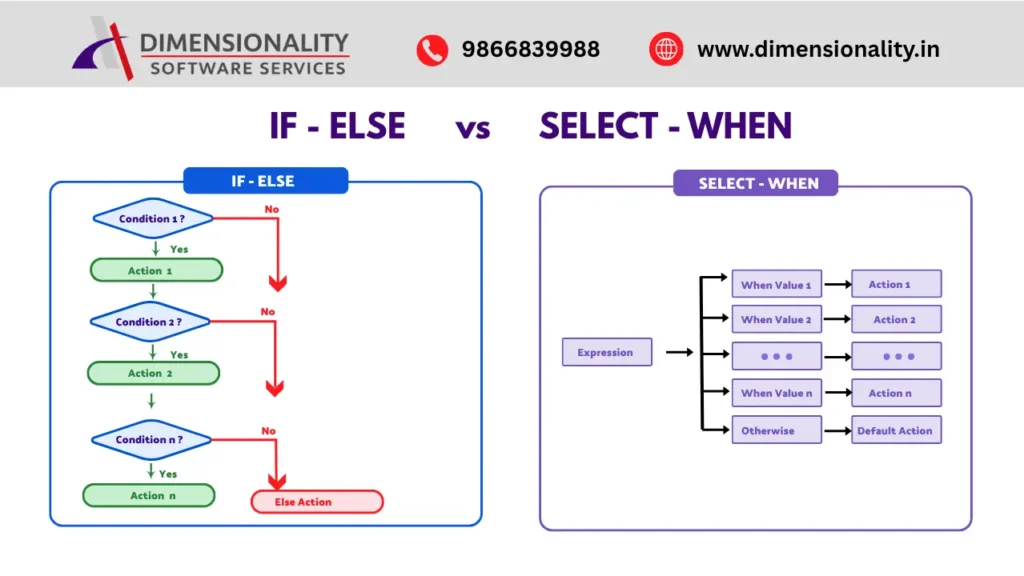
The IF-ELSE and SELECT-WHEN statements are both used for conditional processing in SAS. They help programmers execute different blocks of code based on specified conditions. Although both statements produce similar results, they differ in structure, readability, and performance when handling multiple conditions.
The IF-ELSE statement evaluates conditions one by one. SAS checks the first condition, and if it is false, it moves to the next condition until a matching condition is found. This approach is suitable for simple decision-making or when only a few conditions need to be evaluated.
On the other hand, the SELECT-WHEN statement provides a cleaner and more organized way to handle multiple conditions. It evaluates a single expression and executes the matching WHEN block. Because of its structured format, SELECT-WHEN improves code readability and makes large programs easier to maintain.
How IF-ELSE Works
The IF-ELSE statement checks each condition sequentially.
- Evaluates one condition at a time.
- Executes the first matching condition.
- Skips the remaining conditions after a match is found.
- Best suited for a small number of conditions.
How SELECT-WHEN Works
The SELECT-WHEN statement evaluates an expression and compares it against multiple WHEN conditions.
- Evaluates one expression.
- Executes the matching WHEN block.
- Uses OTHERWISE when no condition matches.
- Best suited for multiple conditions and structured decision-making.
Conditional Statements in Clinical SAS
Conditional statements are the foundation of decision-making in SAS programming. They enable programmers to filter data, apply logical conditions, create derived variables, and automate complex business rules. In Clinical SAS, these statements play a crucial role in processing clinical trial data accurately and efficiently.
The WHERE statement helps filter observations before processing, improving performance when working with large datasets. The IF and IF-ELSE statements allow programmers to execute different actions based on specific conditions, making data transformation simple and flexible. The DO Block groups multiple statements together, while the SELECT-WHEN statement provides a cleaner and more structured approach for handling multiple conditions.
These conditional statements are widely used throughout the Clinical SAS workflow, from data cleaning and validation to deriving analysis variables, assigning treatment groups, creating population flags, and generating regulatory-compliant datasets. Mastering these concepts helps programmers write efficient, readable, and maintainable SAS programs.
Conclusion
Conditional statements are one of the most essential features of SAS programming because they provide the logic required to make intelligent decisions during data processing. By understanding and effectively using the WHERE, IF, IF-ELSE, DO Block, and SELECT-WHEN statements, you can write more efficient, accurate, and maintainable SAS programs.
In Clinical SAS, these statements simplify data validation, variable derivation, patient classification, safety analysis, and reporting, making them indispensable for SDTM, ADaM, and clinical trial data analysis. Whether you are a beginner learning SAS or an aspiring Clinical SAS programmer, mastering conditional statements will strengthen your programming skills and prepare you for real-world clinical projects.
With regular practice and hands-on examples, you can confidently use conditional statements to build robust SAS programs and perform accurate clinical data analysis.